Make a point‑and‑click adventure for the browser.

Write it as data, shape it in a visual Studio, check that it can be finished, and ship it as a web game that installs on a phone and plays offline. Open source, MIT.

▶ Play the demo Open the Studio Start a game

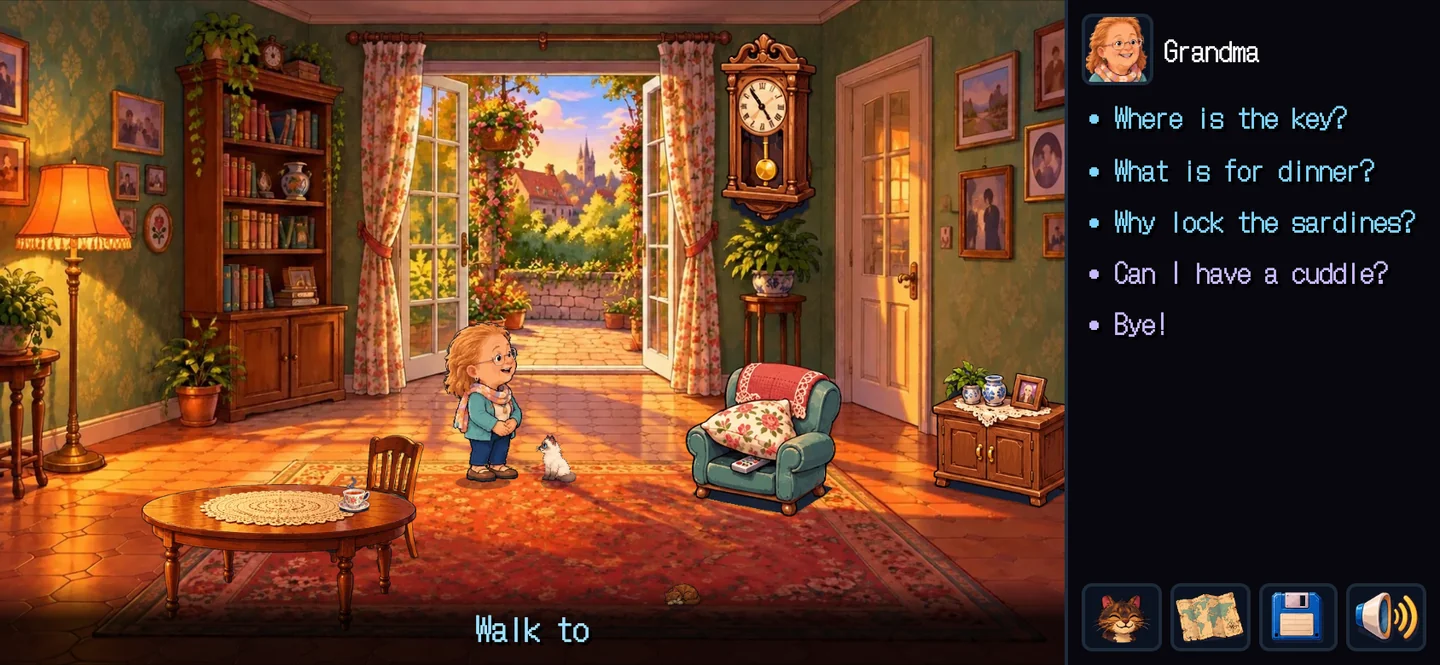
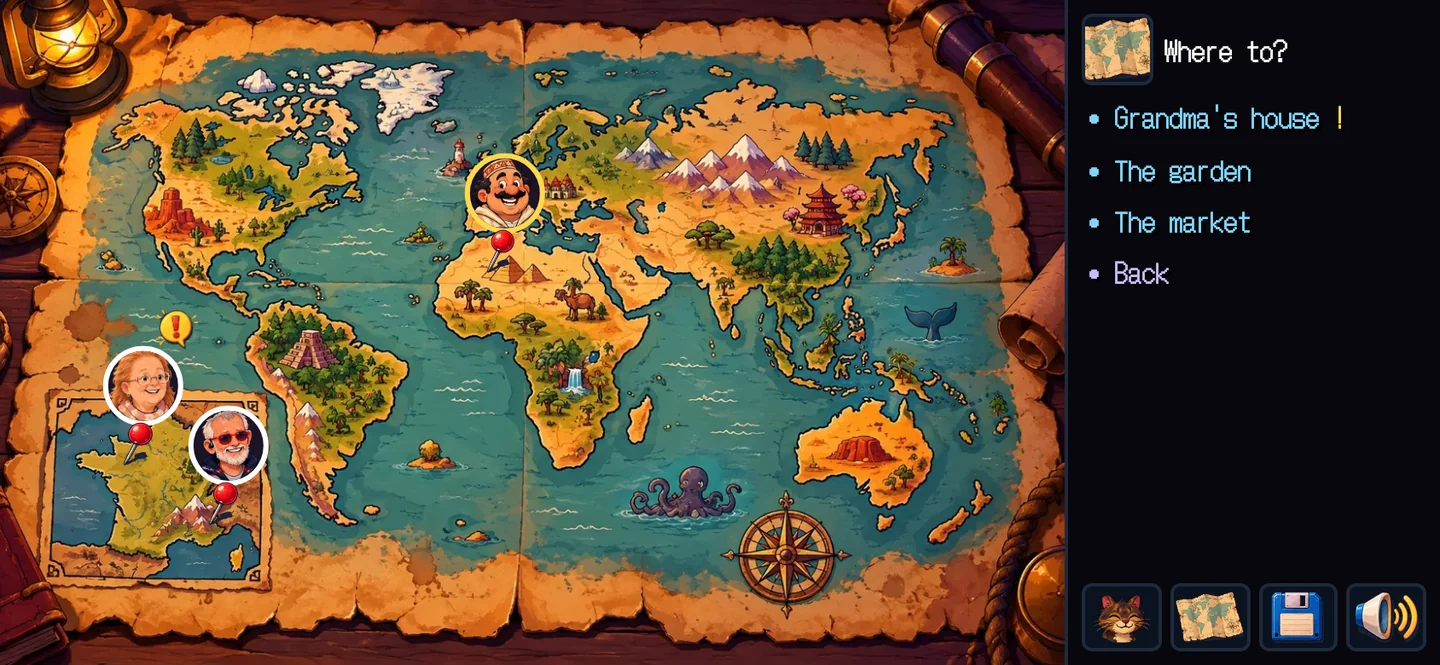
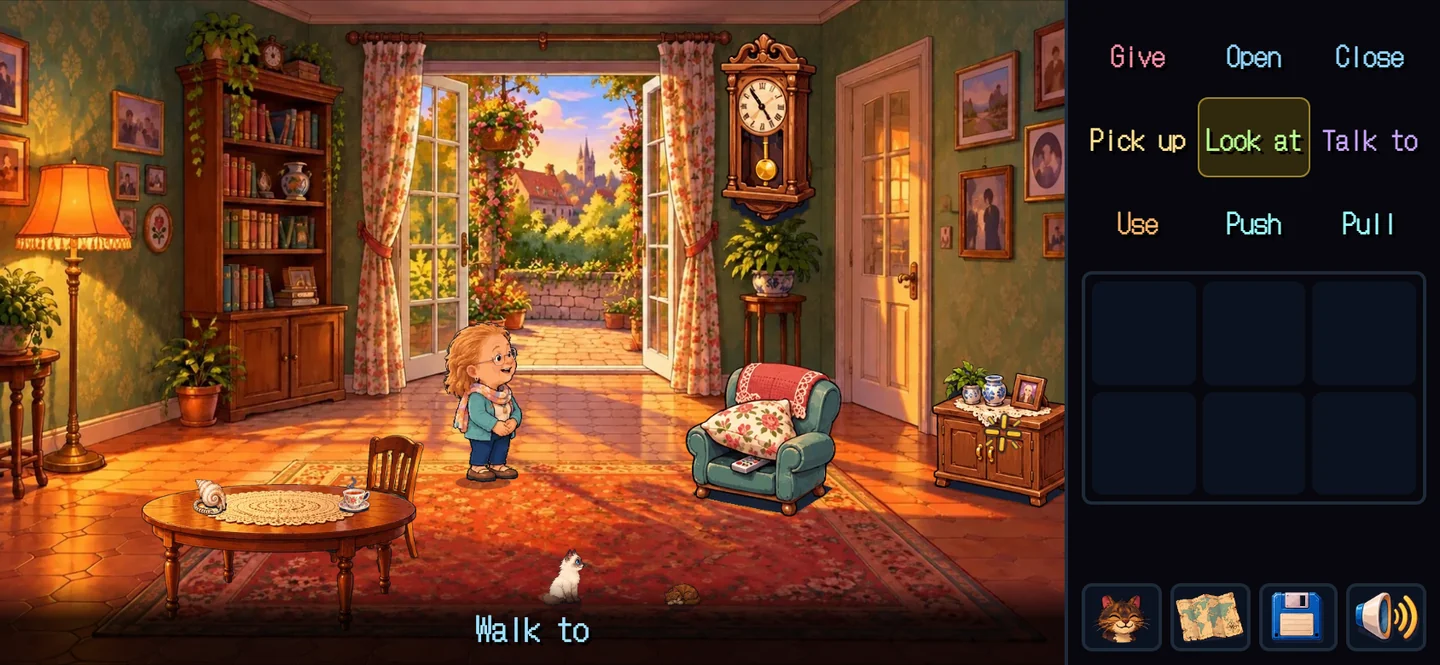
The Pantry Key: Grandma's living room, nine verbs, the bag

The content is data

Rooms, props, characters, items, rules, conversations, hints and scripts are plain TypeScript objects. Every tool can read, check and play them.

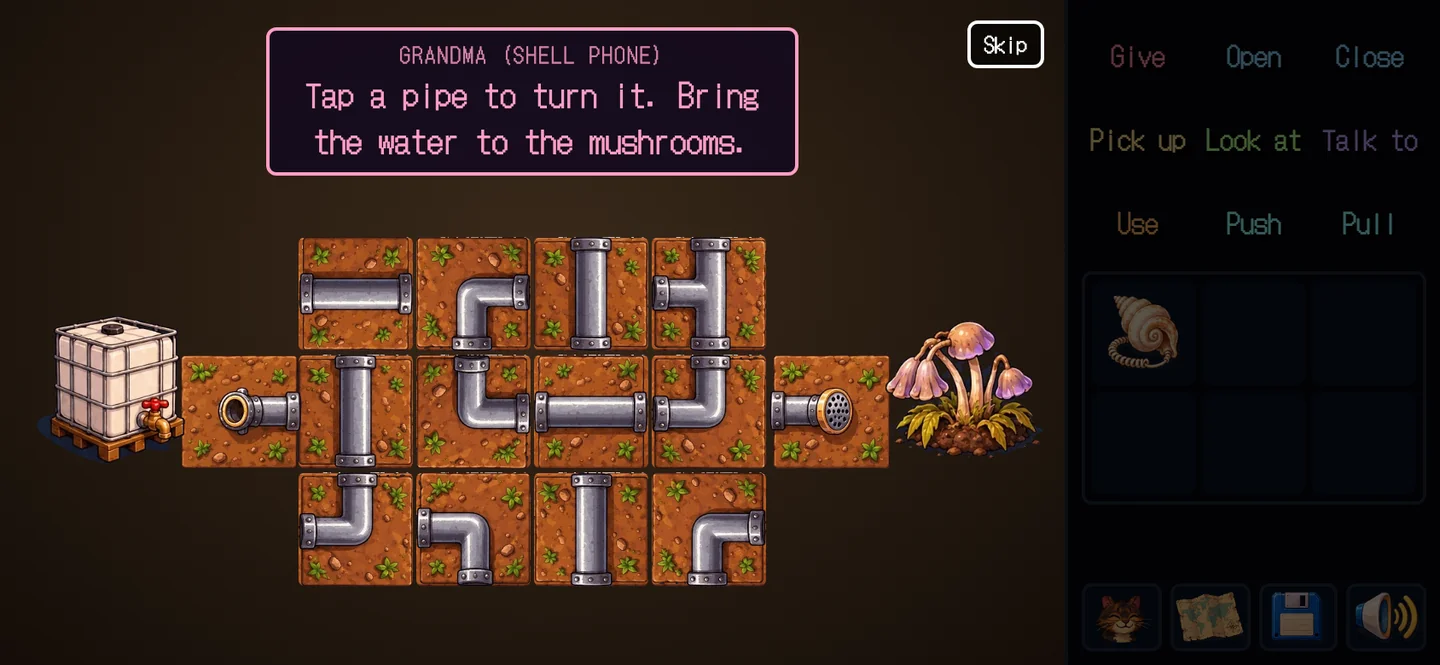
on: [{ verb: 'use', a: 'pipe', b: 'tank',
  do: [{ minigame: 'pipes' }, { set: 'tank_drained' }] }]

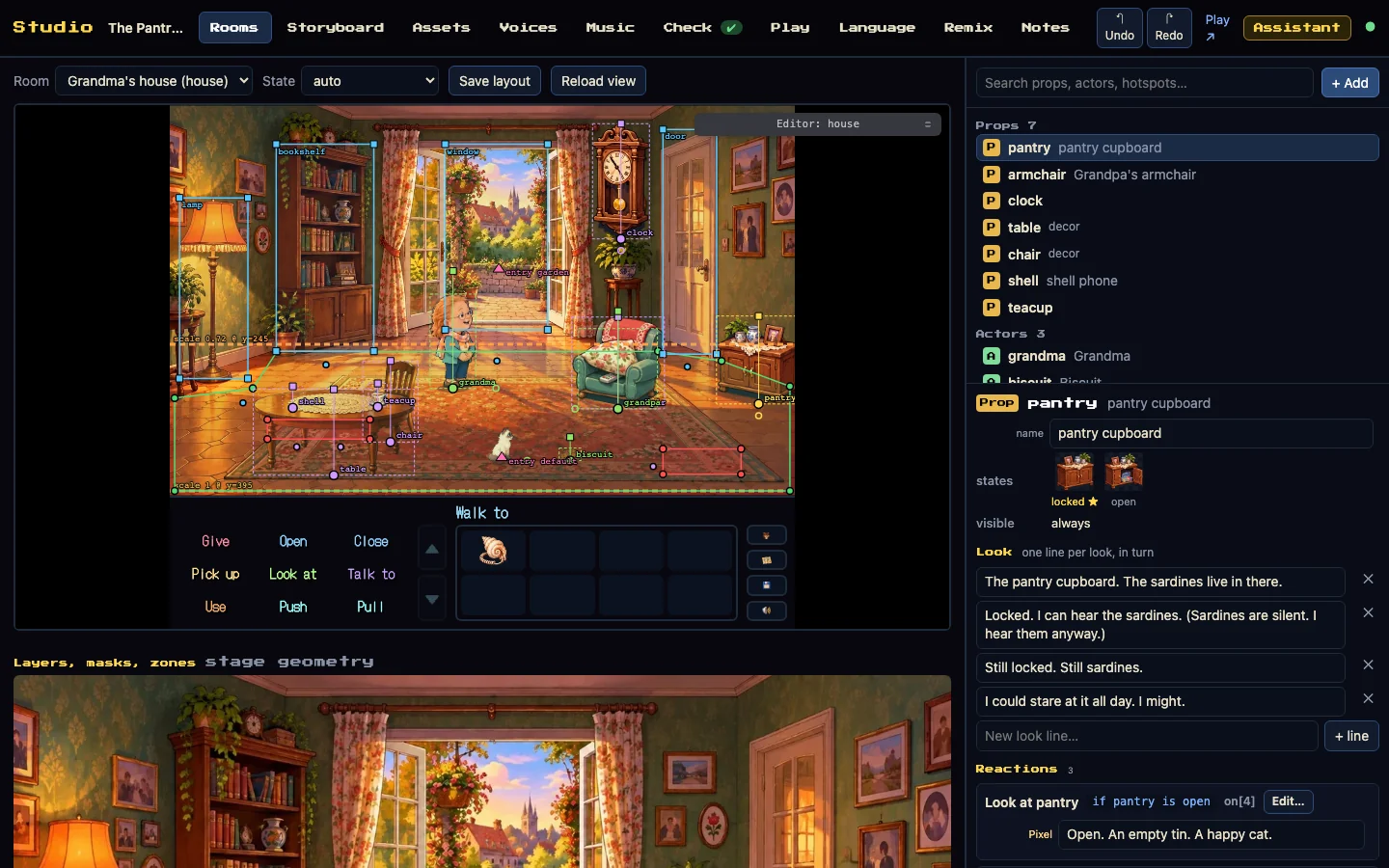
A Studio on the real engine

Place things in rooms, edit the storyboard panel by panel, see every sprite sheet, and get the checks again after every save. Alone in your browser, or hosted for a team.

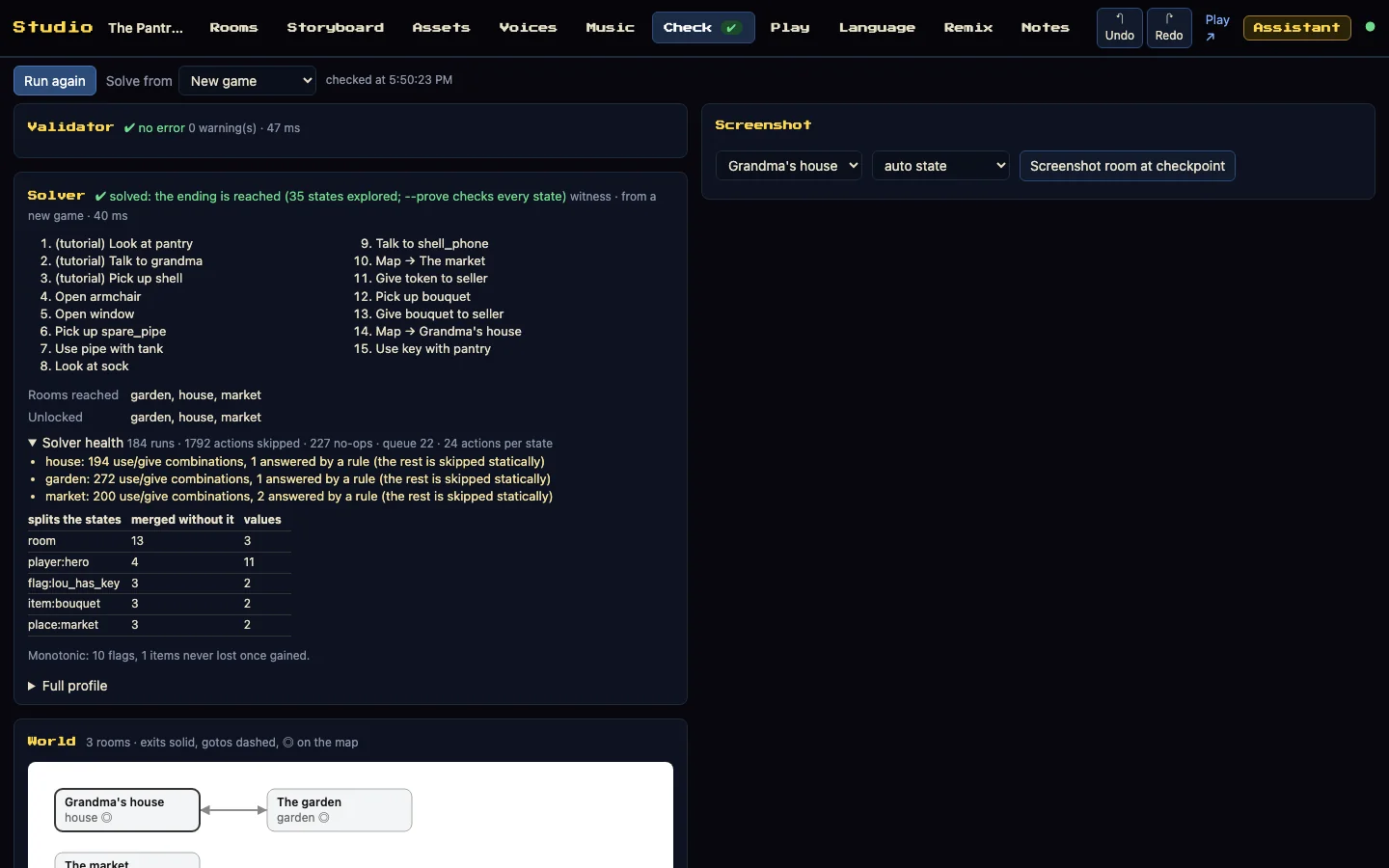
Proved before it ships

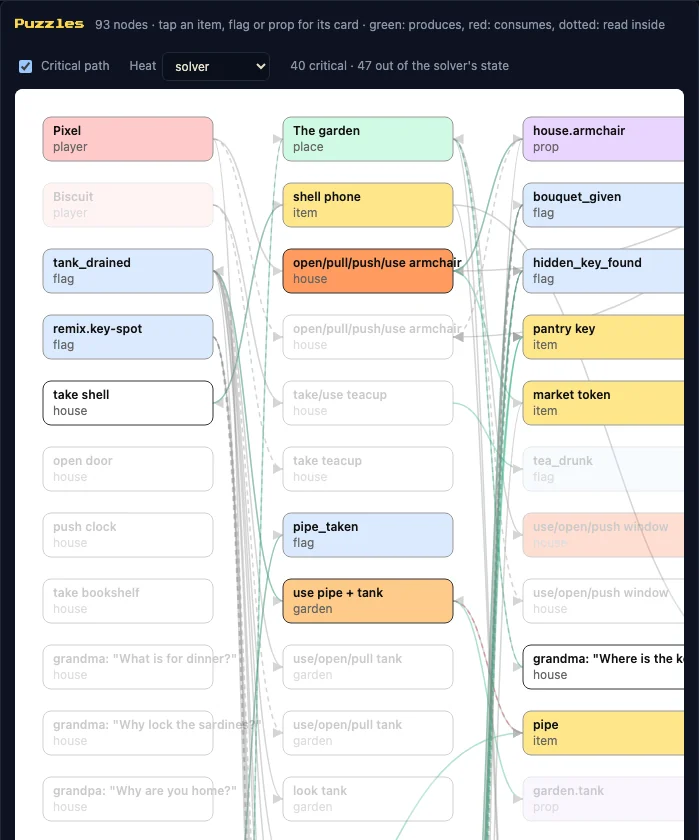
The validator finds broken references and untranslated lines. The solver runs the real engine and explores every reachable state, so a softlock fails the build.

An offline web game

A PWA that installs and plays offline after the first visit, played by touch or keyboard, with a download budget and every file's licence accounted for.
Start a game

Node 22.12 or newer, and Python 3 with Pillow for the art.

T=https://github.com/Quest-n-Click/quest-n-click/releases/download/v4.5.1/quest-n-click-4.5.1.tgz
npx --package=$T quest-n-click create my-game "My Game" --engine=$T
cd my-game && npm install
npm run assets && npm run dev

Then follow your first game (en français), or read the versioned documentation.

Join in

The engine, the Studio, the sample games, the minigames and the docs all welcome contributions. Issues labelled good first issue say what result is expected and which file to open first. An AI assistant is optional.

How to contribute Good first issues